Productivity
PDF Toolkit
Free • Offline • No ads
PDF Toolkit does the work entirely on your device. Your files never leave the phone — no uploads, no account, no sign-in, no daily limits, and no watermark on anything you create.
Built for anyone who hits a web PDF tool's daily or file-size cap, or who simply doesn't want to upload private documents to a server. Open a tool, pick your files, save.
Free, offline, and ad-free. More tools — split, compress, rotate, reorder, PDF→images, password lock — are on the roadmap and arrive in free updates.
PDF Toolkit is finished, free and ad-free — it’s still in its Google Play testing round. New here? Join the tester group first — one join covers every app in testing. Then tap Become a tester above and it installs from Google Play on that same account.
One ask in return: keep it installed for 14 days. Google only counts testers who stay opted in for 14 days straight, so leaving the test early puts PDF Toolkit back to day zero for everyone.
2 more apps are in the same testing round — Ludo and Invoice Free — and each one needs its own 12 testers. Opt in to all of them here.
Trouble joining? Email itsmemomomohit@gmail.com with the Google account you use on your phone.
Screenshots
What's inside
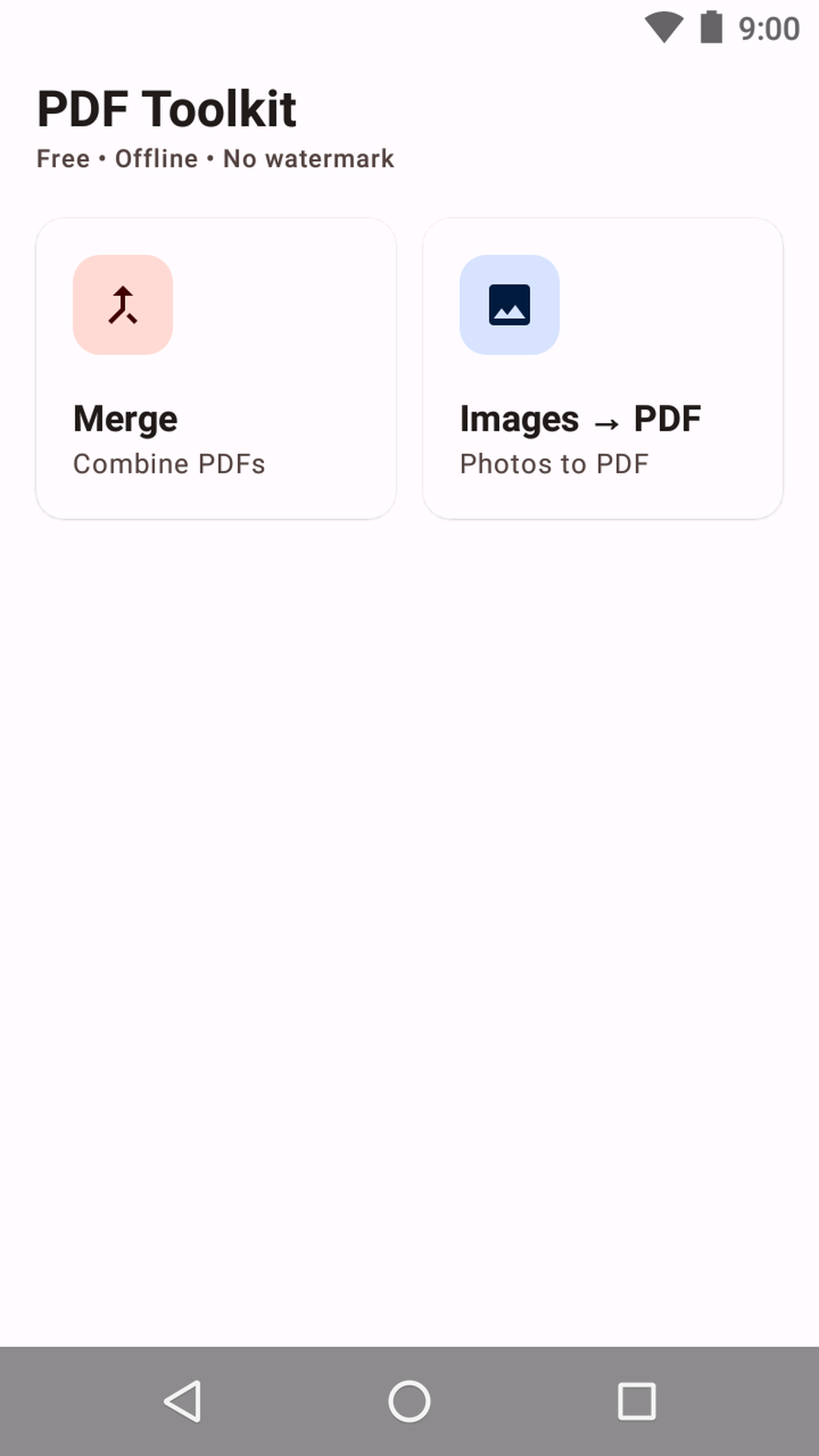
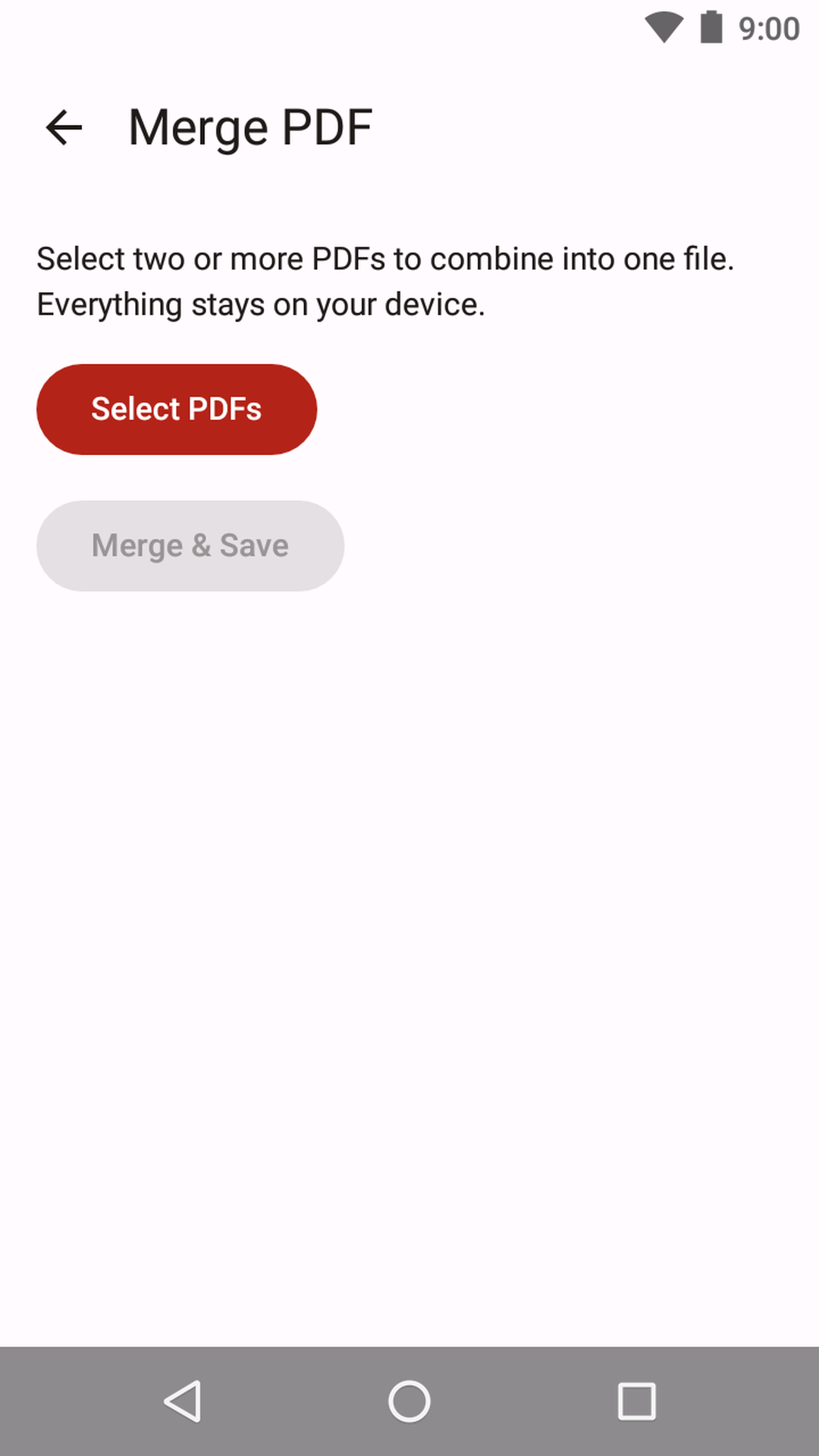
Merge PDFs into one
Combine two or more PDF files into a single document, in the exact order you choose. Everything happens on-device — no upload, no size cap, no watermark.
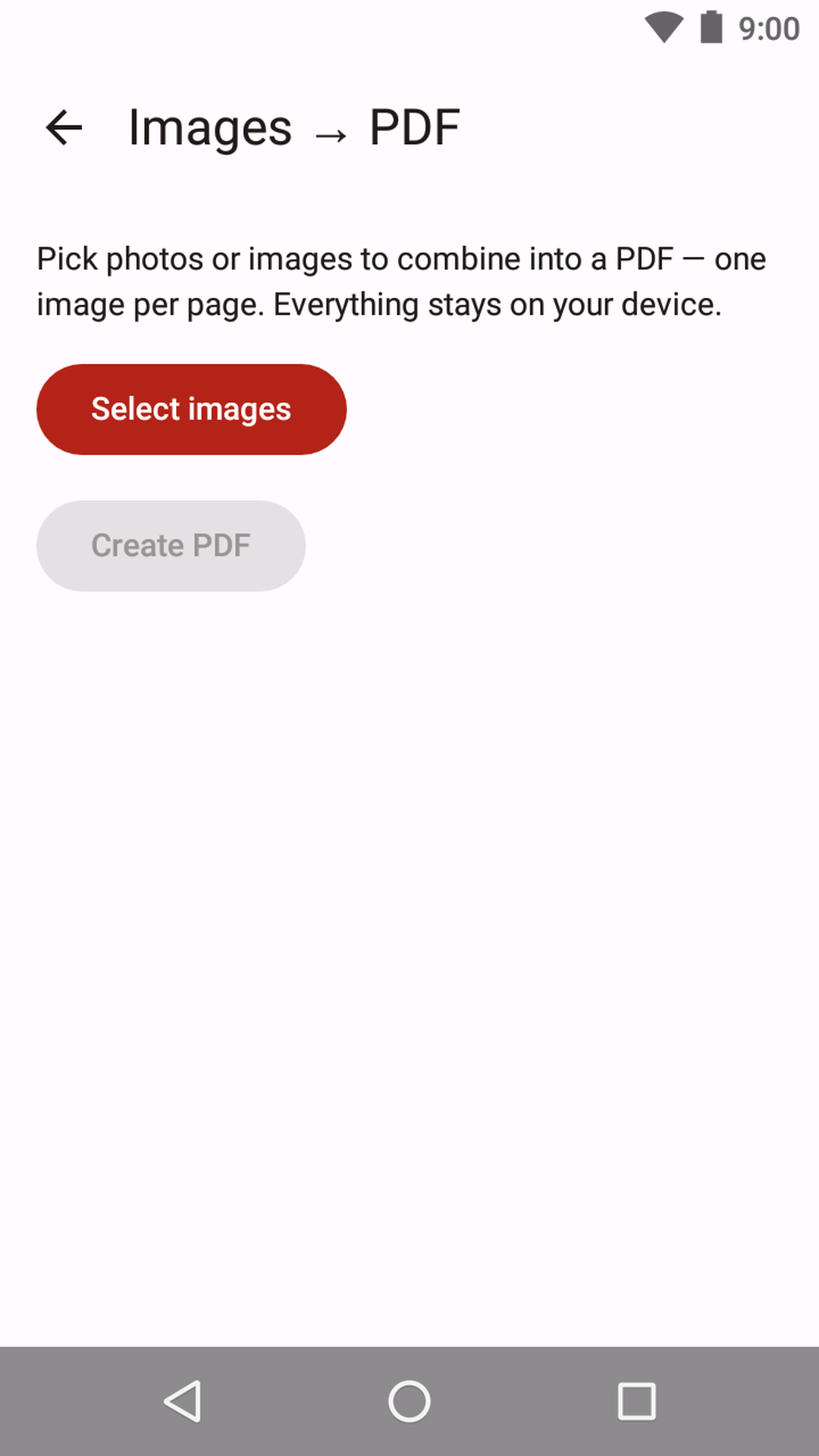
Images to PDF
Turn photos and JPG/PNG images into a single clean PDF, one image per page. Perfect for turning receipts, notes, or scans into a shareable document.
Private by design
100% offline and ad-free. No account, no sign-in, no cloud upload, no daily limits — your documents stay on your phone. Uses the Storage Access Framework, never all-files access.
No data collected
This app has no accounts, no analytics, and works fully offline.